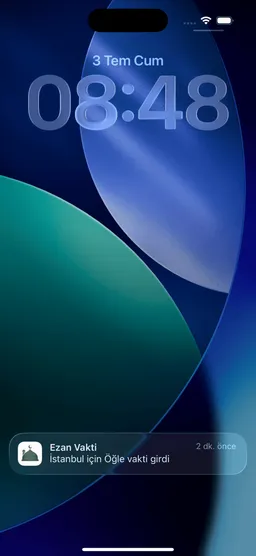
Why iPhone prayer notifications may not arrive
Written and reviewed by the Tevazu Team
- iPhone
Short answer
If a Tevazu prayer reminder does not appear, first check iPhone notification permission, Scheduled Summary and Focus. These system settings can silence or postpone an otherwise scheduled notification. Then confirm automatic date and time, the location shown in Tevazu and the App version. Reopen Tevazu after changing these settings so the next reminders can be prepared with the current configuration.
Applies to: iPhone with iOS 17 or later; menu names can vary slightly by iOS version.
Check these settings in order
- Notification permission. Open Settings → Notifications → Tevazu and turn on Allow Notifications. Choose the notification surfaces you want to use.
- Scheduled Summary. Open Settings → Notifications → Scheduled Summary. If Tevazu is included, remove it or choose immediate delivery so a prayer reminder is not held.
- Focus. Open Settings → Focus and inspect any active or scheduled Focus. Allow Tevazu notifications where a Focus would otherwise silence them.
- Date, time and location. Confirm that Settings → General → Date & Time uses the correct automatic time and time zone. In Tevazu, verify the displayed city or location before comparing a prayer time.
- Reopen, then report. Reopen Tevazu after changing permissions, time zone or location. If the next reminder fails, contact support with the device, software versions, expected prayer and symptom time.
Primary sources
- Apple: View and respond to notifications on iPhone (opens in a new tab) support.apple.com
- Apple: Change notification settings on iPhone (opens in a new tab) support.apple.com